How it works
Something happens
A game event, a tip, a chat command, anything a program on your computer can watch.
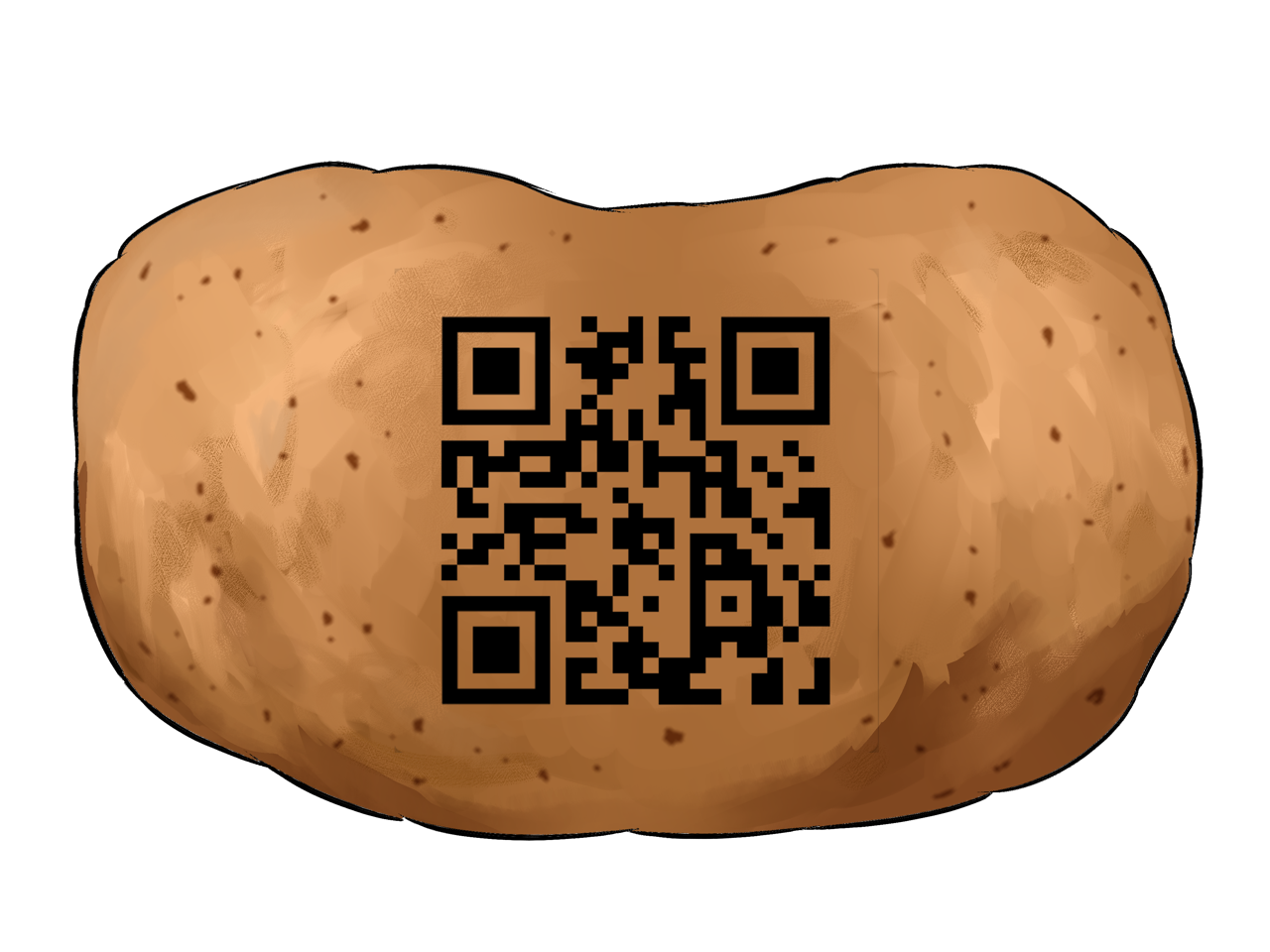
The event is packed into a tiny payload (an identifier plus a few bytes of data) and rendered as a QR code.
A code appears on your stream
A small QR code rides in the corner of your video, updating as events happen.
A single OBS browser source overlays it. That is the entire transport layer. The code is part of the video itself, so viewers watching VODs still get all the effects.
Your viewers' stuff reacts
Haptics buzz, lights flash, gamepads rumble, in sync with your stream, on their desks (or elsewhere, depending).
The browser extension or web viewer reads the code straight off the pixels, 5-20 times a second, then relays events to local outputs like gamepads or Intiface Central.
One browser source
Streamers add a single OBS browser source. Viewers grab the browser extension, or use WebRTC screen capture if they don't want to install anything at all.
100% web tech
WASM, WebRTC, Canvas, and Service Workers. Nothing to download, nothing to update. If you have a browser, you have QRTuber.
Small payloads, big experiences
Send any data the extension format supports, at 10–20 Hz. It's a QR code, not a fibre line, but it's enough to get things done.
Pre-alpha proof of concept. The web viewer can use browser gamepad haptics for quick tests, or Intiface Central for broader haptics device support. Expect rough edges, breaking changes, and the occasional missed frame. It's a potato. Stuck, broken, or curious? Come ask in the Discord.